Asana
Asana is a task and project management software that allows teams to collaborate and work in a shared space.
API version
The Asana connector uses Asana API v1.
How to connect to Asana
The Asana connector uses OAuth 2.0 authentication.
Complete the following steps to connect to Asana in Workato:
Click Create > Connection or press C twice.
Search for Asana and select it as your app.
Enter a name for your connection in the Connection name field.
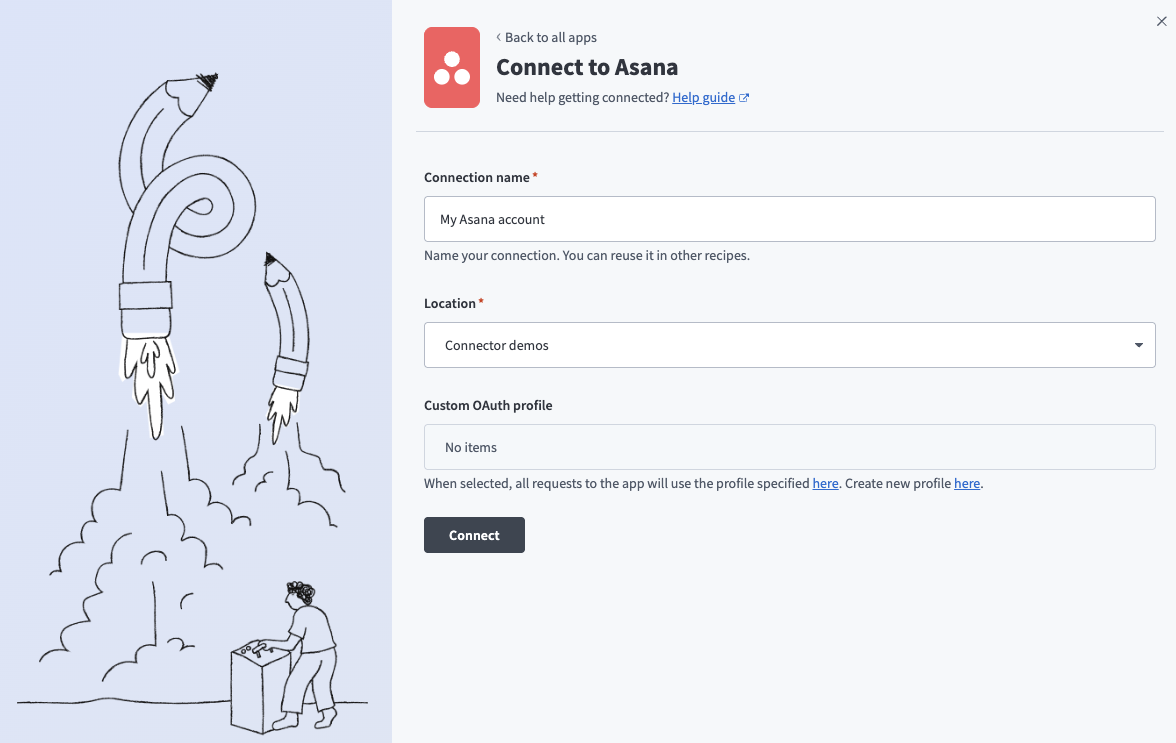 Connect to Asana
Use the Location drop-down menu to select the project or folder to store your connection.
Optional. Use the Custom OAuth profiles drop-down menu to select a custom OAuth profile for this connection.
Click Connect.
Sign in to Asana using your default login method to authorize Workato.
Permissions
This connector uses the default scope of Asana. Learn more about Asana OAuth scopes.
Last updated: