Smartsheet
Smartsheet enables you to collaborate and manage workflows effectively. You can plan, capture, manage, automate, and report on work across your organizations.
API version
Smartsheet's connector uses Smartsheet's API 2.0 for integration. For more information, refer to Smartsheet's API documentation.
Connection setup
Follow these steps to set up a Smartsheet connection in Workato:
Enter a unique Connection name to identify your Smartsheet account within Workato.
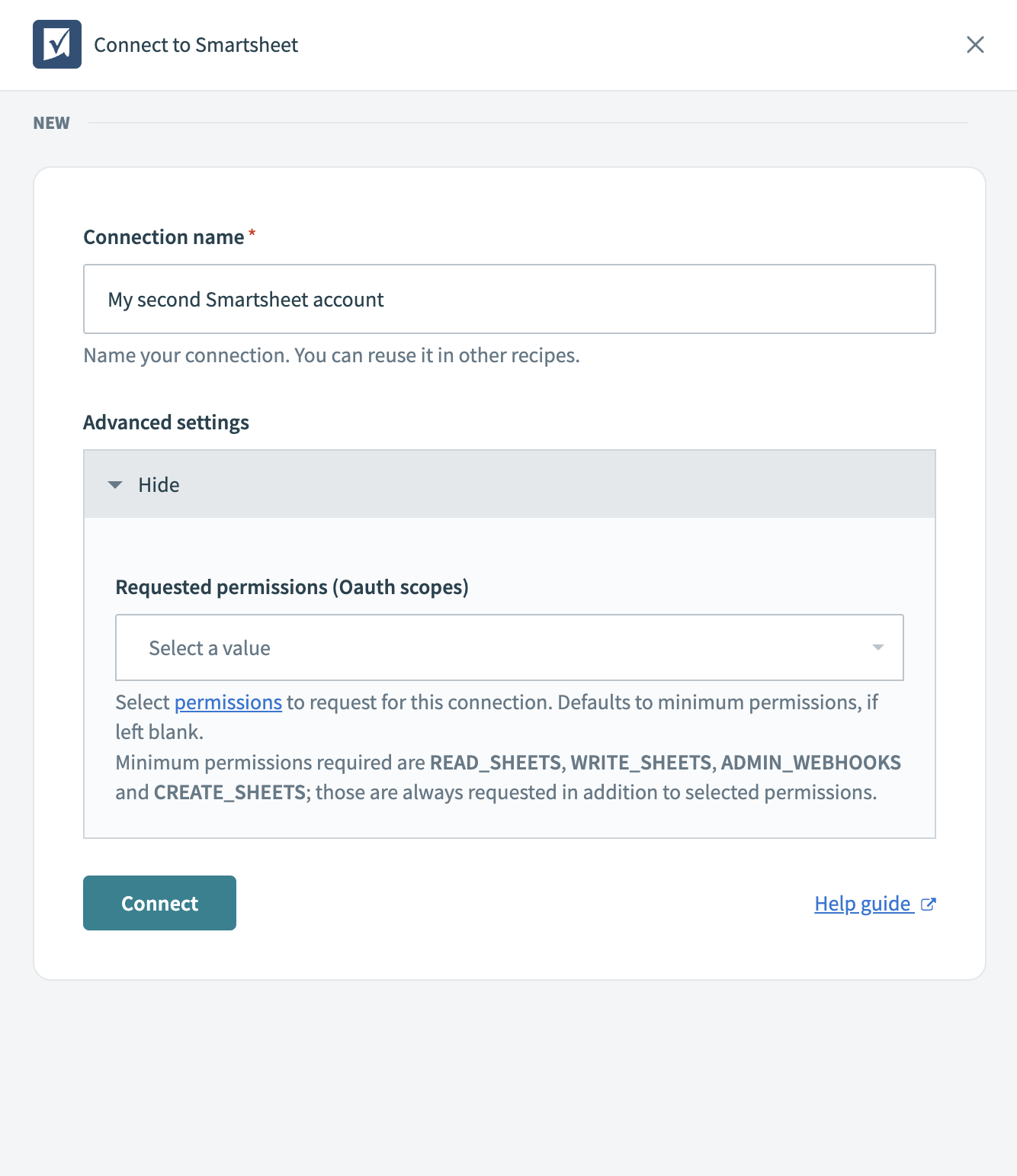 Name your connection
Click Advanced settings to show or hide additional options depending on your requirements.
Select the necessary Requested permissions (OAuth scopes) for the connection. If you leave this field blank, the connection defaults to the minimum required permissions, which are READ_SHEETS, WRITE_SHEETS, and ADMIN_WEBHOOKS.
Review all information you entered to ensure it is correct, including the connection name and selected permissions.
Optional. Use the Custom OAuth profile drop-down menu to select a custom OAuth profile for your connection.
Click Connect to authorize a connection between Workato and your Smartsheet account. This action opens a Smartsheet login window to complete the authorization.
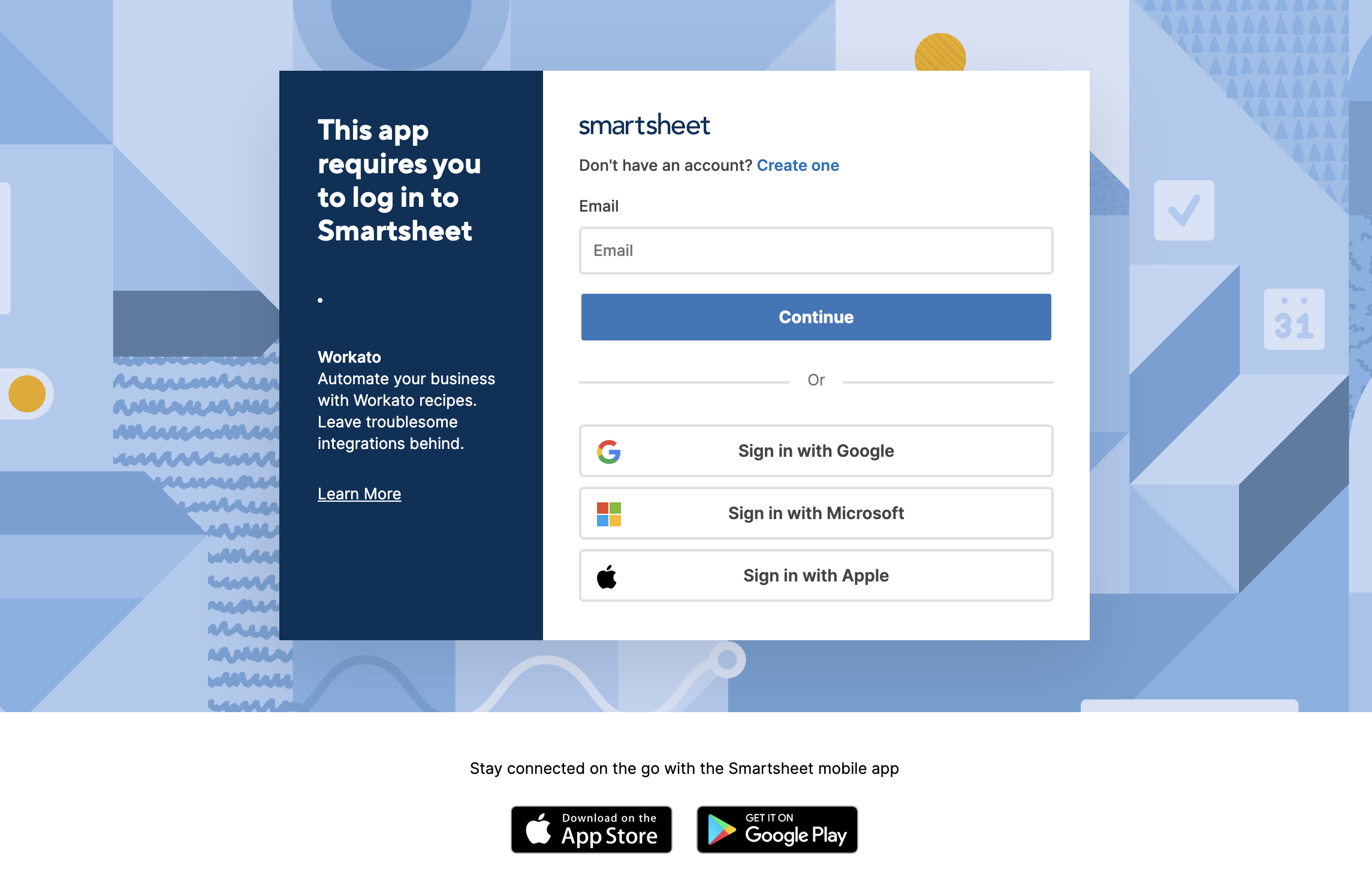 Authorize your connection
Last updated: