ZoomInfo
Use the ZoomInfo connector to query the ZoomInfo database for information on companies and contacts, and to enrich the records in your CRM.
API version
This connector uses the ZoomInfo API.
How to connect to ZoomInfo on Workato
Complete the following steps to set up your ZoomInfo connection:
REQUIRED ZOOMINFO PERMISSIONS
Your ZoomInfo account must have ZoomInfo API access permissions to connect to Workato.
Enter a name for your connection in the Connection name field.
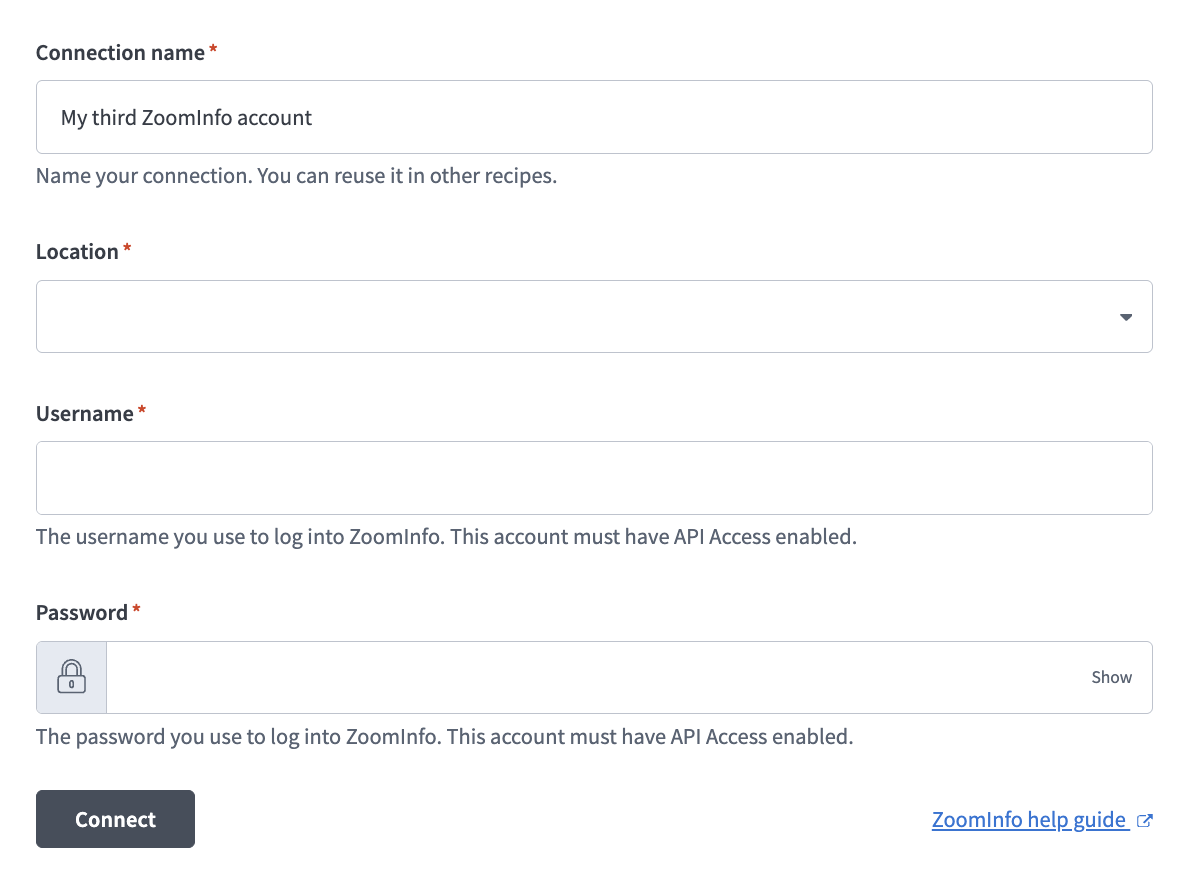 Set up your ZoomInfo connection
Use the Location drop-down menu to select the project where you plan to store your connection.
Enter your ZoomInfo username in the Username field.
Enter your ZoomInfo password in the Password field.
Click Connect.
Actions
To see a list of the actions and an example recipe, visit ZoomInfo integration.
Last updated: