Dropbox - Folder actions
This section will highlight the actions you can carry out on folders in Dropbox.
Create folder
This action allows you to create a new folder in Dropbox. This action will fail if the parent folder already contains a folder of the exact same name as the one you want to add.
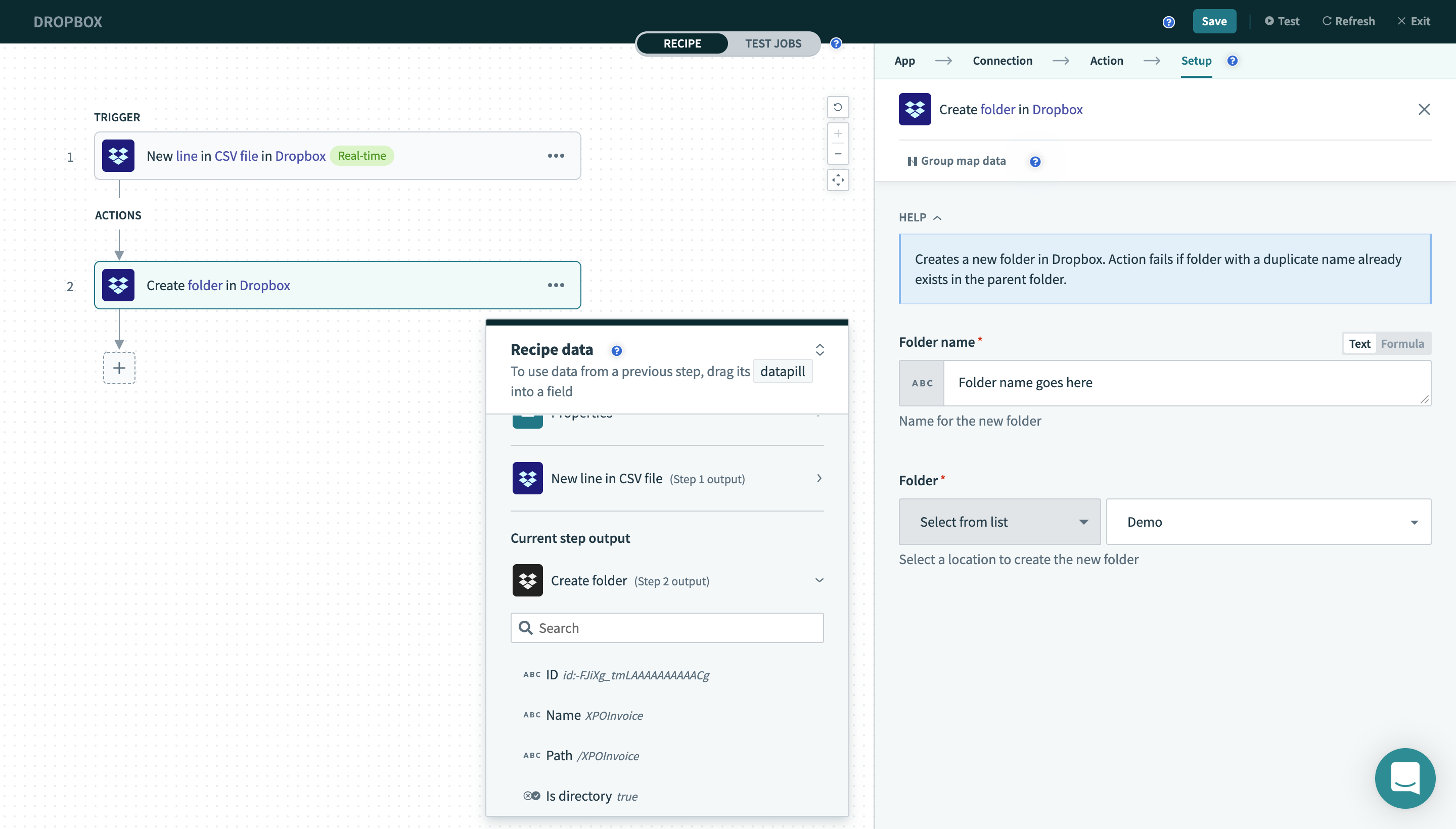 Create folder action
Input
| Field name | Description |
|---|---|
| Folder name | Name of the folder you want to create. |
| Folder | The parent folder location to which you want to add your newly created folder to. |
Output
| Field name | Description |
|---|---|
| ID | ID of the created folder. |
| Name | The name of the created folder. |
| Path | The path of the newly created folder. |
| Is directory | Whether this is a directory/folder. |
Search folder
This action allows you to retrieve a list of folders whose name contains the keywords that you have input. Partial matches will also be returned.
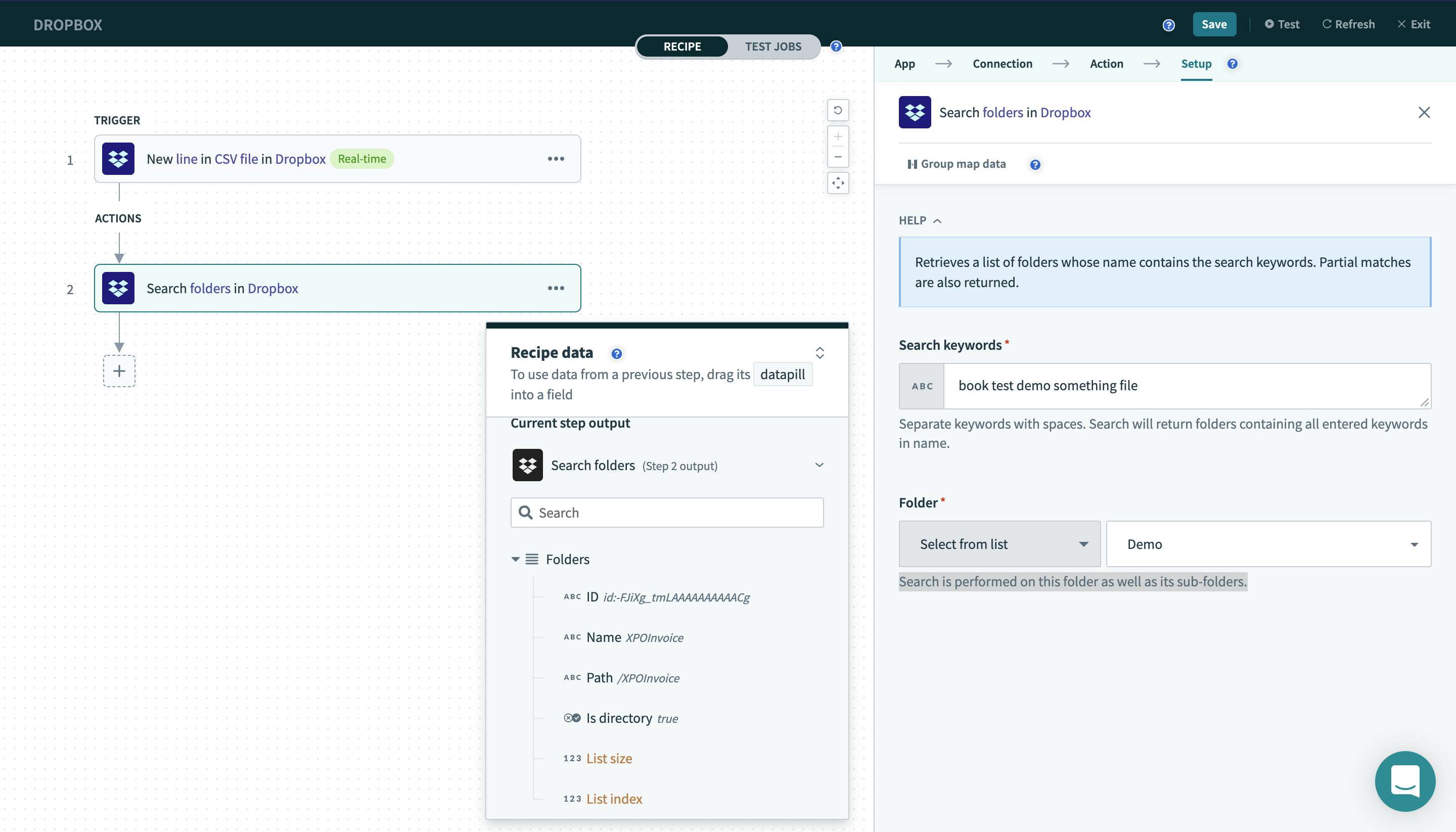 Search folder action
Input
| Field name | Description |
|---|---|
| Search keywords | Separate keywords with spaces. Search will return folders containing all entered keywords in name |
| Folder | Search is performed on this folder as well as its sub-folders. |
Output
| Field name | Description |
|---|---|
| Folders | The list of folders retrieved as well as the contents of each folder. |
| - ID | The ID of the folder retrieved. |
| - Name | The name of the folder retrieved. |
| - Path | The path of the folder retrieved. |
| - Is directory | Whether this is a directory/folder. |
Last updated: