MailChimp - Get subscriber tags action
This action fetches the tags assigned to a subscriber on a list.
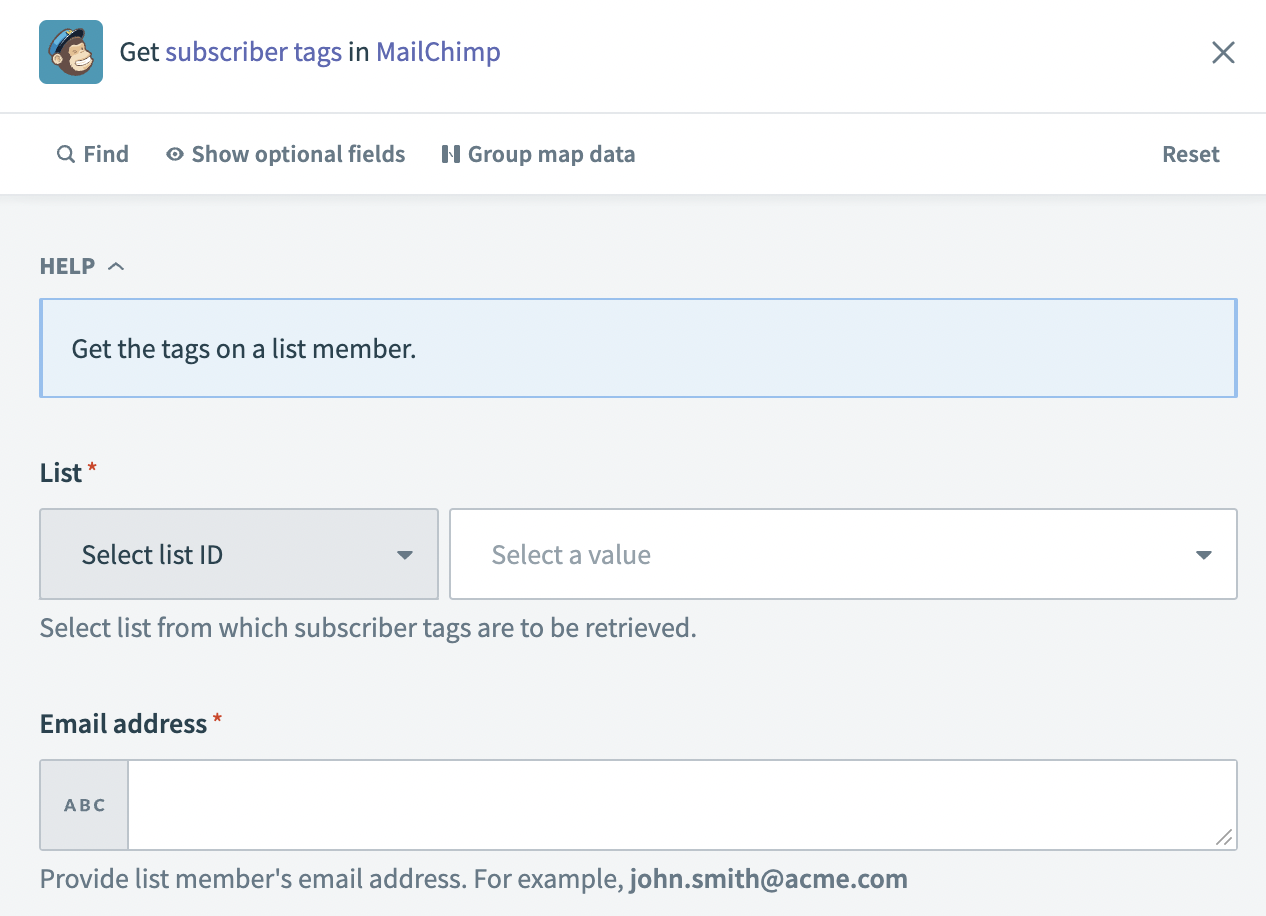 Get subscriber tags action
Input
| Input field | Description |
|---|---|
| List | The list to which the subscriber you plan to fetch tags for is assigned. |
| Email address | The email address of the subscriber. |
Output
| Output field | Description |
|---|---|
| ID | The ID of the tag. For example: 7654321. |
| Name | The name of the tag. For example: campaignInfluencer. |
| Date added | The date the tag was added to the subscriber. |
| Total items | The total number of tags returned for the subscriber. |
Last updated: