XML Creator
The XML Creator connector helps you generate XML documents from a sample XML template. Upload a sample XML message with the structure you plan to produce, and XML Creator builds a set of input fields. You can then map datapills to the newly created fields to generate a new XML document in your recipe.
Use this connector to:
- Generate XML payloads from a sample XML message and mapped datapills.
- Preserve XML namespaces, attributes, and element order when needed.
How to connect to XML Creator
This connector doesn't require authentication or a connection setup, however, you must install this connector from the community library before you can use it in your workspace.
Download the XML Creator connector from the community library
Complete the following steps to install the XML Creator connector from the community library:
Open the recipe editor and search for a connector. Alternatively, you can search for a connector in the community library.
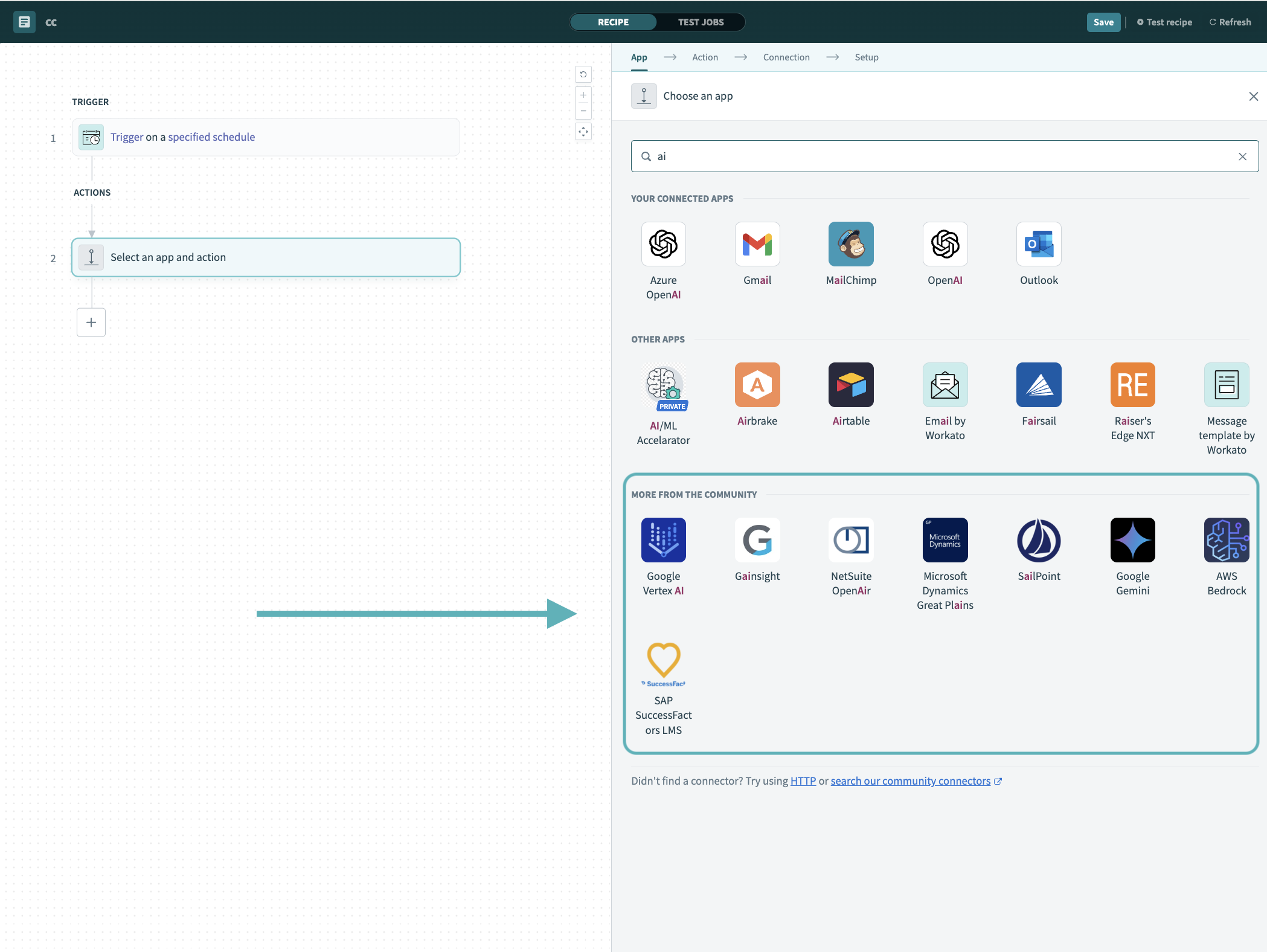 Search for community connectors in the recipe editor
Select the community connector you plan to install.
Click Install to install the connector from the community library.
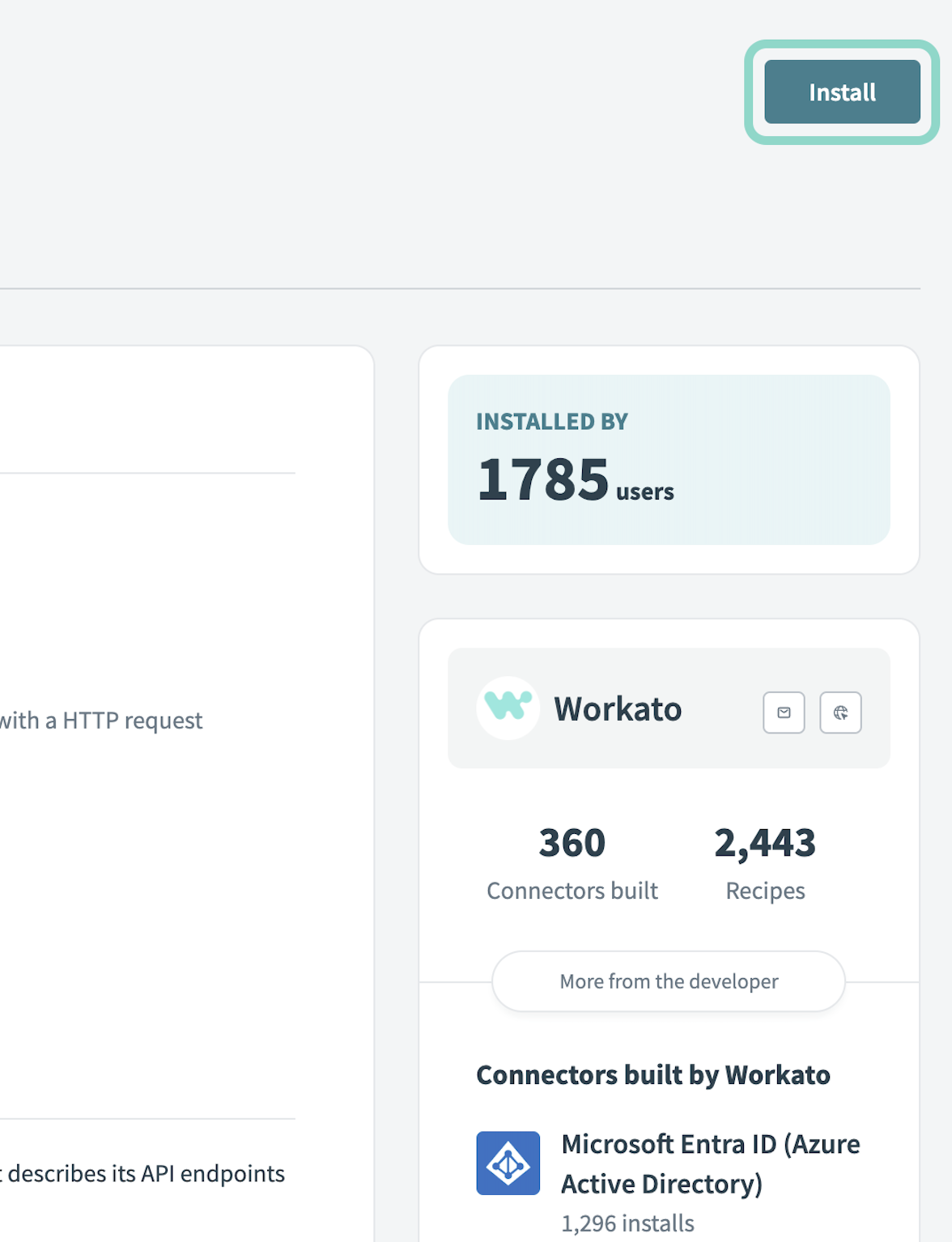 Click Install
Select Release connector. Alternatively, select Review code to review and modify the connector code before releasing it to the workspace.
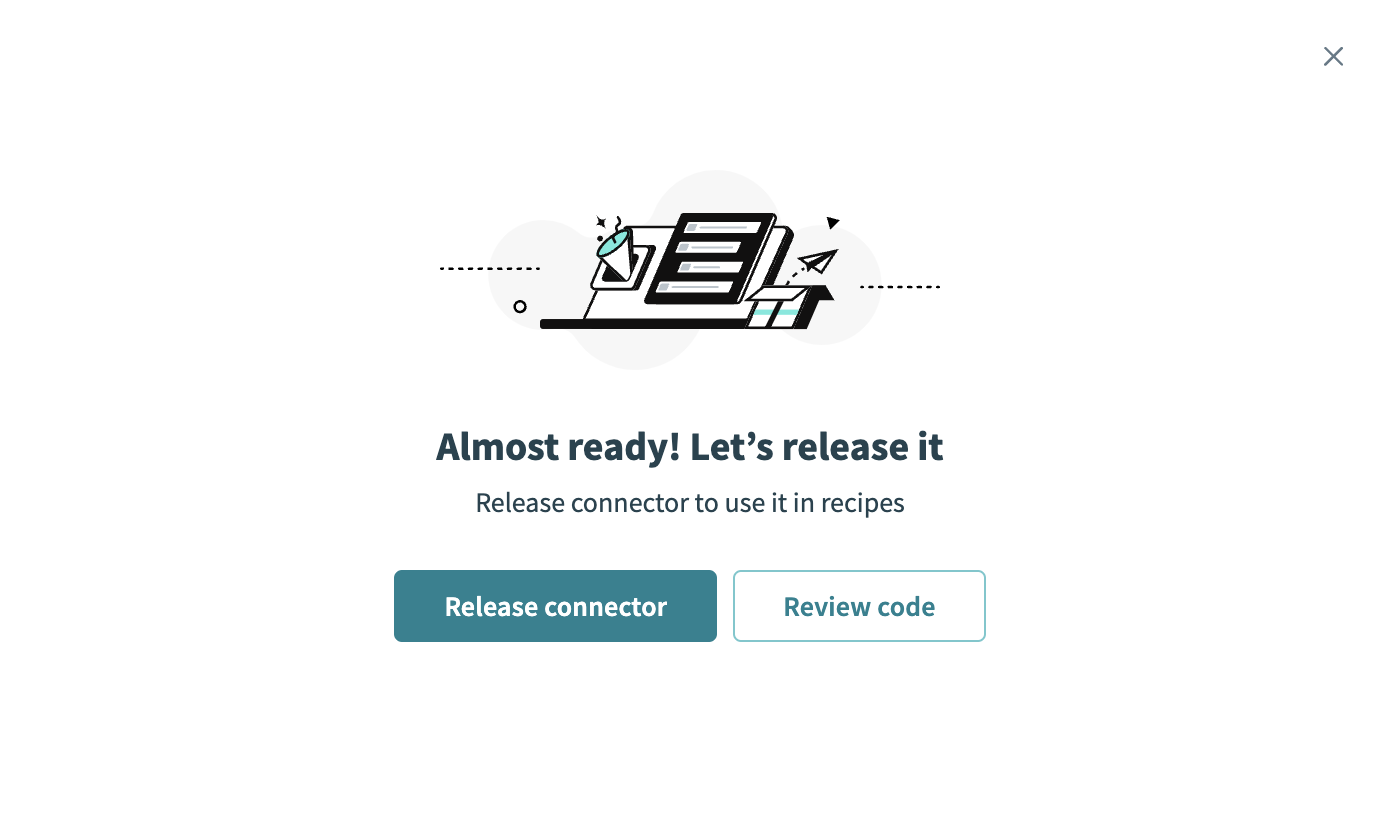 Release the connector
Summarize any changes you made to the connector, then click Release to allow workspace collaborators to use the connector in recipes.
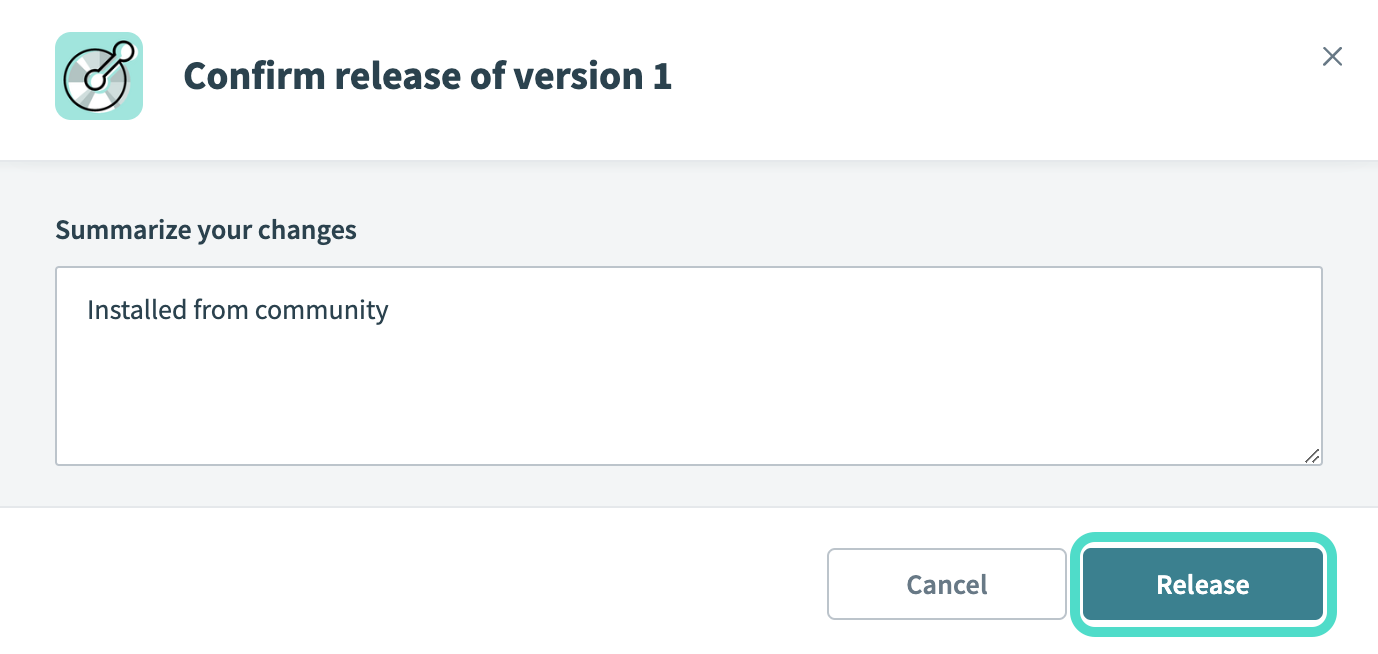 The Confirm release dialog
Last updated: