# Audit log streaming
Audit log streaming replicates and stores log data in a destination you specify. This lets you maintain access to logs beyond the audit log and Workato logging service retention periods and ensures you have ample time to review and analyze your activity logs for security and operational insights.
Each job or event is represented as a JSON file, which Workato sends to the log provider using the HTTP POST method. Workato supports the following destinations:
- Amazon S3 Bucket
- Azure Monitor
- Azure Blob
- A cloud-based logging service, such as Sumo Logic, Datadog, Splunk, or Google Cloud Storage Buckets
Refer to Audit log streaming destinations for more information.
FEATURE AVAILABILITY
Audit log streaming is included in specific pricing plans for direct customers and is available to Embedded partners and their end customers for an additional fee. Refer to your pricing plan and contract to learn more.
# Audit log size
Log file size varies from 1 KB to 1 MB based on the details that are present in the logs.
The file size limit for logs is 40 MB.
When streaming full job details, the system does not send step-specific log lines if the overall file size exceeds 40 MB.
If a file exceeds 40 MB, the system still sends contextual job information, such as user_id, recipe_id, and time_executed. However, the “lines” column displays the default text, Log lines exceed size limit.
# Set up audit log streaming
Sign in to your Workato account.
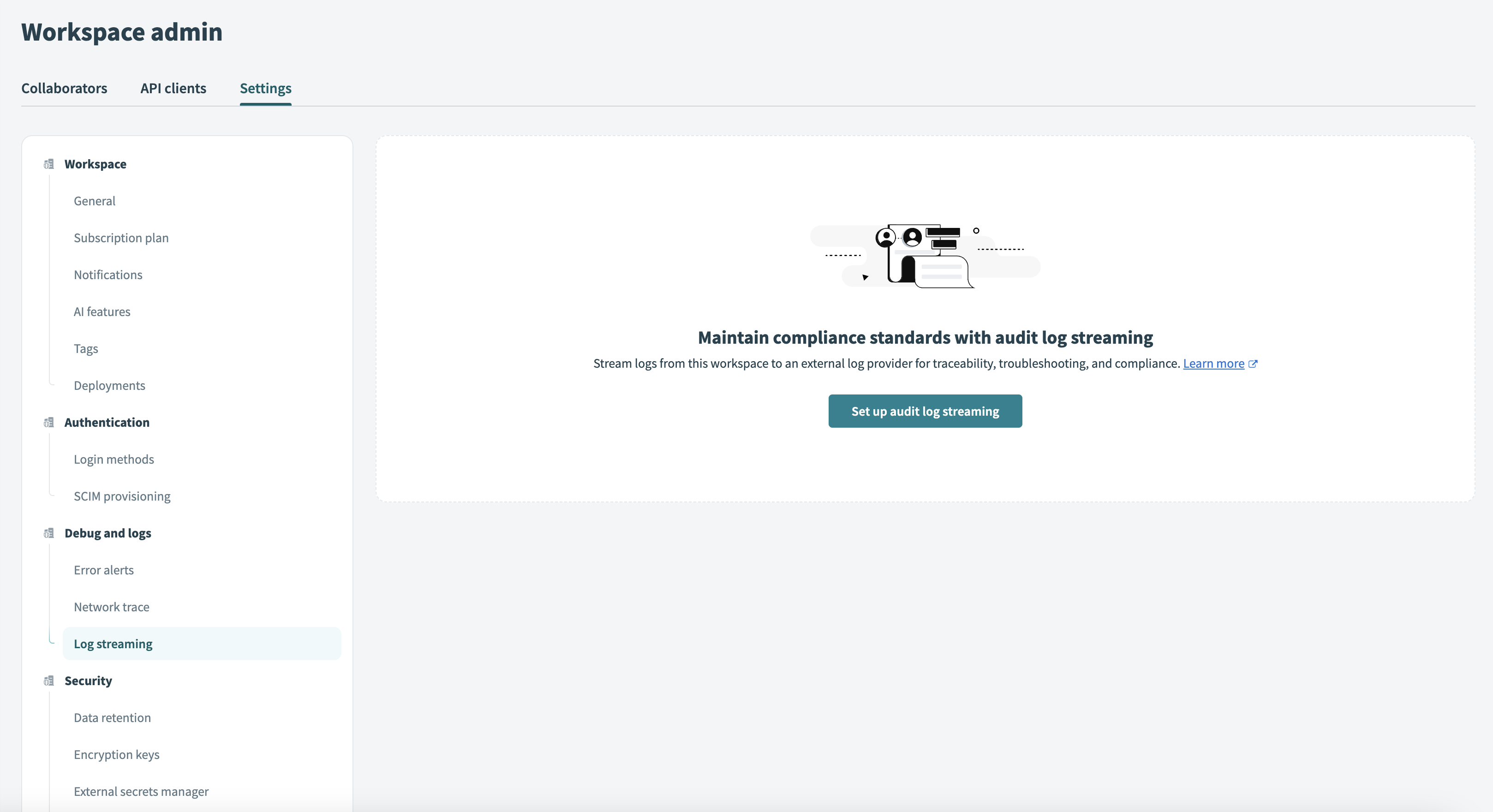
Go to Workspace admin > Settings > Log streaming (opens new window) and select Set up audit log streaming:
Select the audit log destination.
Configure the streaming connection and options.
Choose the events to include in your audit log stream.
Consult Audit log streaming types for more information about events.
Optional. Customize a log message if required.
Select Save.
# Does data masking apply to audit log streaming?
Yes. When data masking is enabled, Workato doesn't log or stream the input or output of any trigger or action. Instead, a placeholder replaces the data in both:
- Workato UI logs
- Audit log streaming destinations
Refer to the Enable data masking section for instructions on enabling this feature.
# How masked data appears in job logs
When job logs are streamed to an external logging service through audit log streaming, masked data remains hidden. Instead of displaying sensitive information, Workato replaces it with a "masked" placeholder.
The following example illustrates how masked data appears in a job details log:
"lines": [
    {
        "input": {"data": "masked"},
        "output": {"data": "masked"},
        "adapter_name": "timer",
        "adapter_operation": "trigger_event",
        "line_stat": {
            "details": [
                {
                    "name": "execution_time",
                    "average": 0.002,
                    "total": 0.002,
                    "min": 0.002,
                    "max": 0.002,
                    "count": 1
                }
            ],
            "total": 0.002
        },
        "recipe_line_number": 1,
        "mask_data": true
    }
]
Refer to the Activity audit log file details and sample data section for a complete example of a job details log.
Last updated: 3/10/2026, 3:51:05 PM