View a recipe
When you open a recipe, you view it without editing, so there's no risk of accidental changes. You can review the recipe's steps, its jobs, and its version history. Click Edit recipe to open the recipe in the recipe editor and make changes.
Recipe
The Recipe tab displays the recipe on the canvas. Click any step to view its details. The data tree isn't available while you're viewing the recipe. Click Edit recipe to open the recipe editor and make changes.
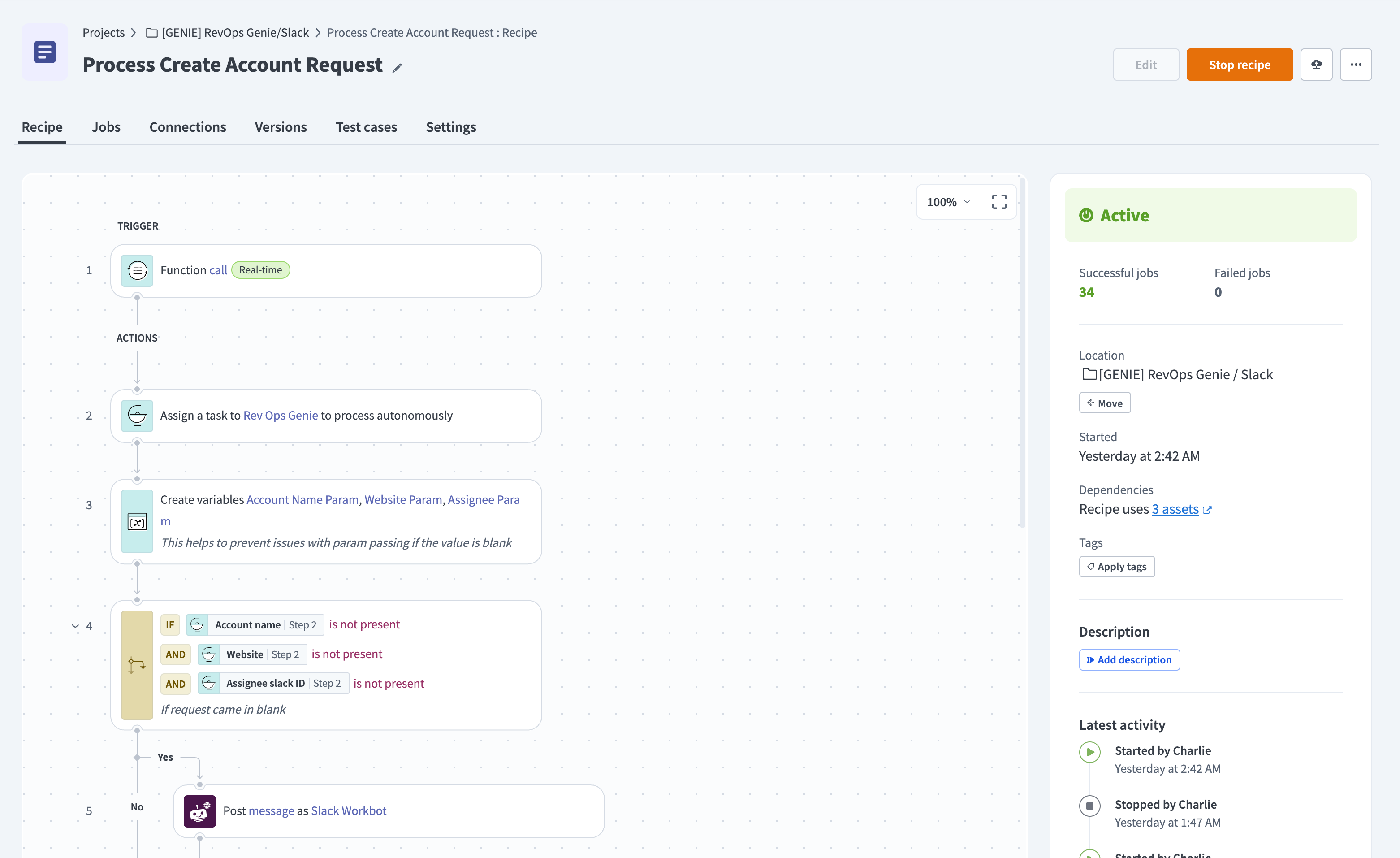 A recipe open for viewing
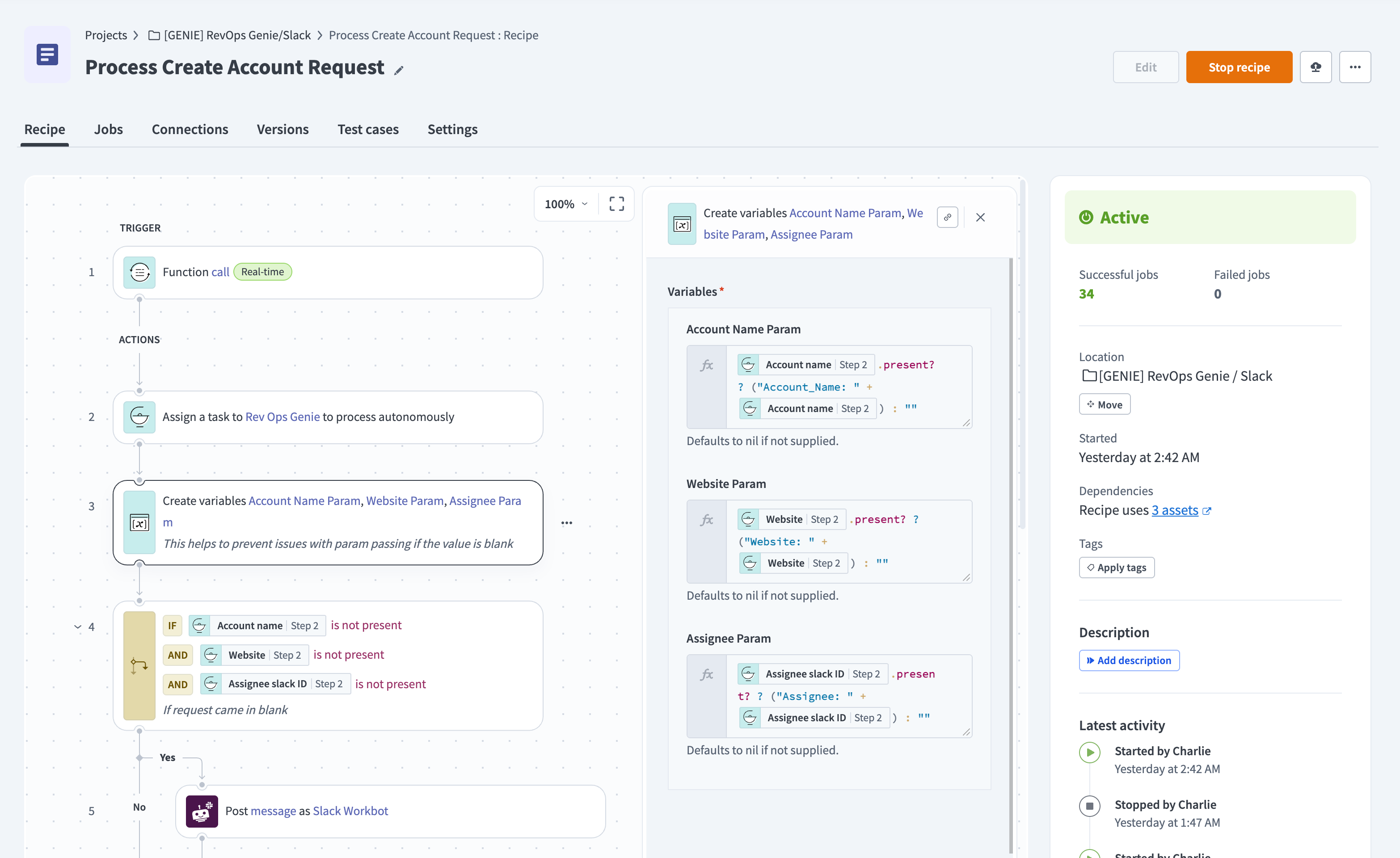 View recipe steps
Hover over a datapill to see more information about its source.
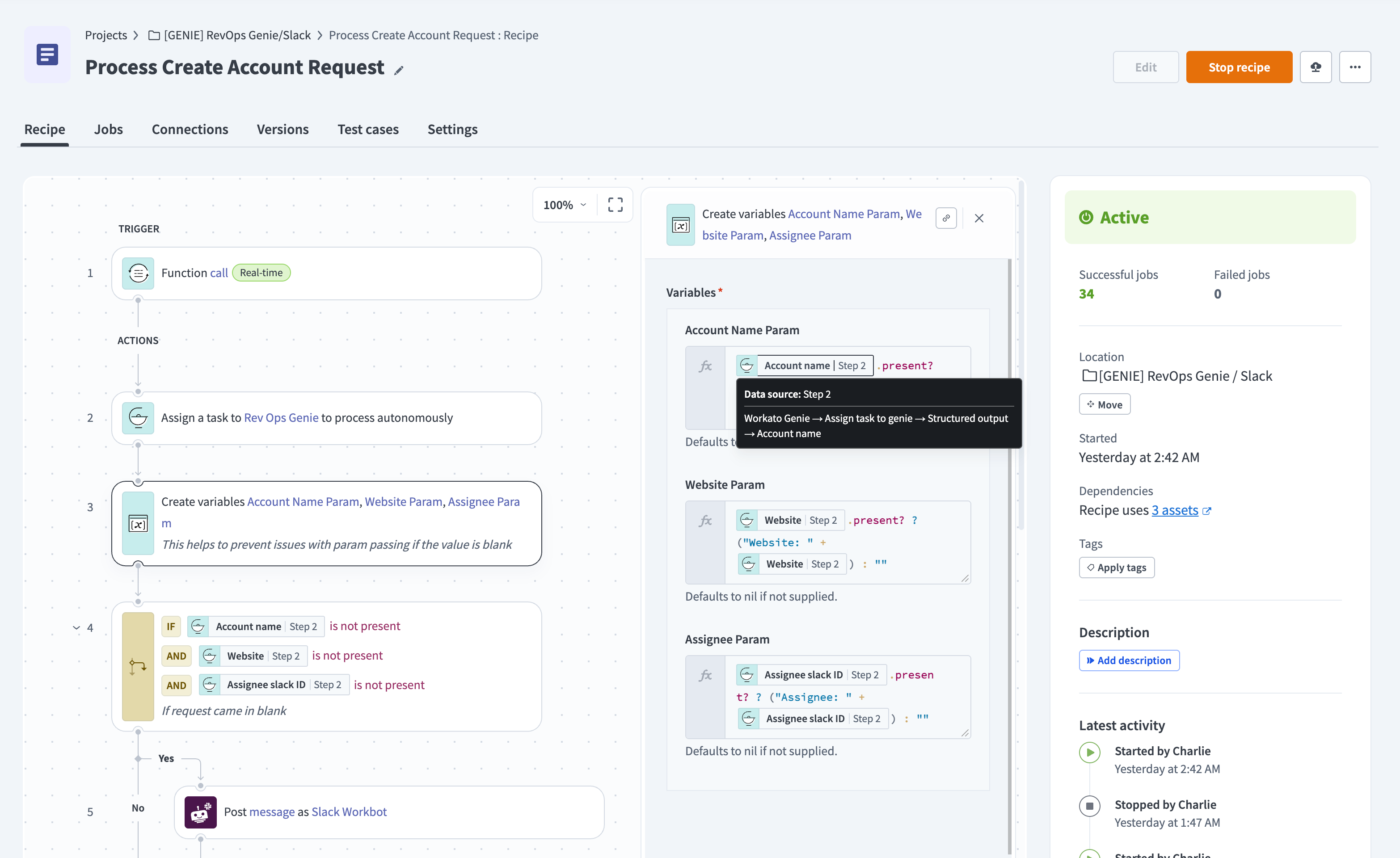 Hover to see datapill information
Jobs
The Jobs tab shows your jobs in a customizable format, including the job ID, start date, contact name, and whether the job was a test, production, or repeated job. Click any job to open its job details.
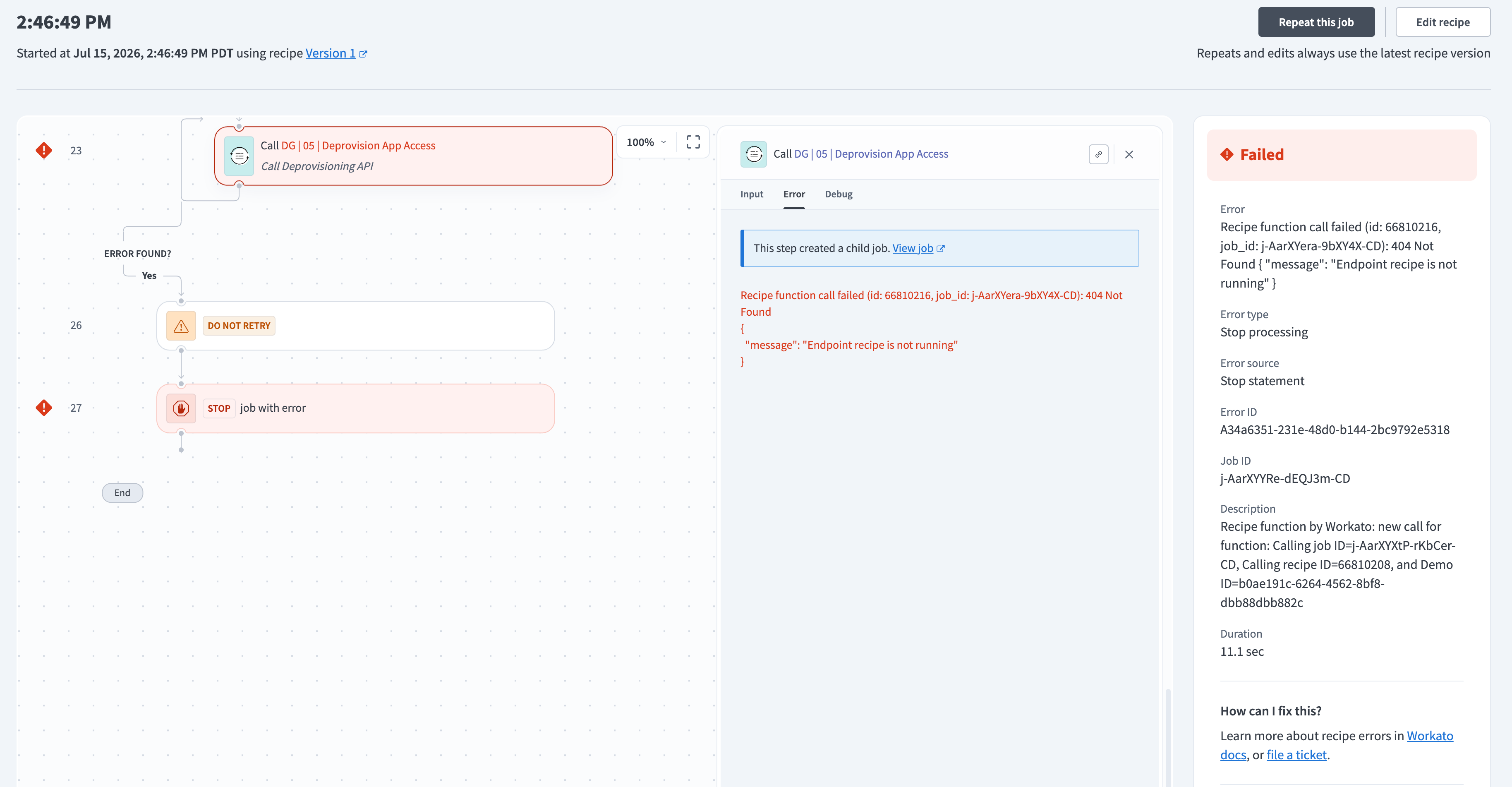 Job details page
Refer to Recipe jobs for more information.
Versions
Workato saves a version of the recipe each time you save it. You can view and restore previous versions from the Versions tab, where each version is denoted by its version number.
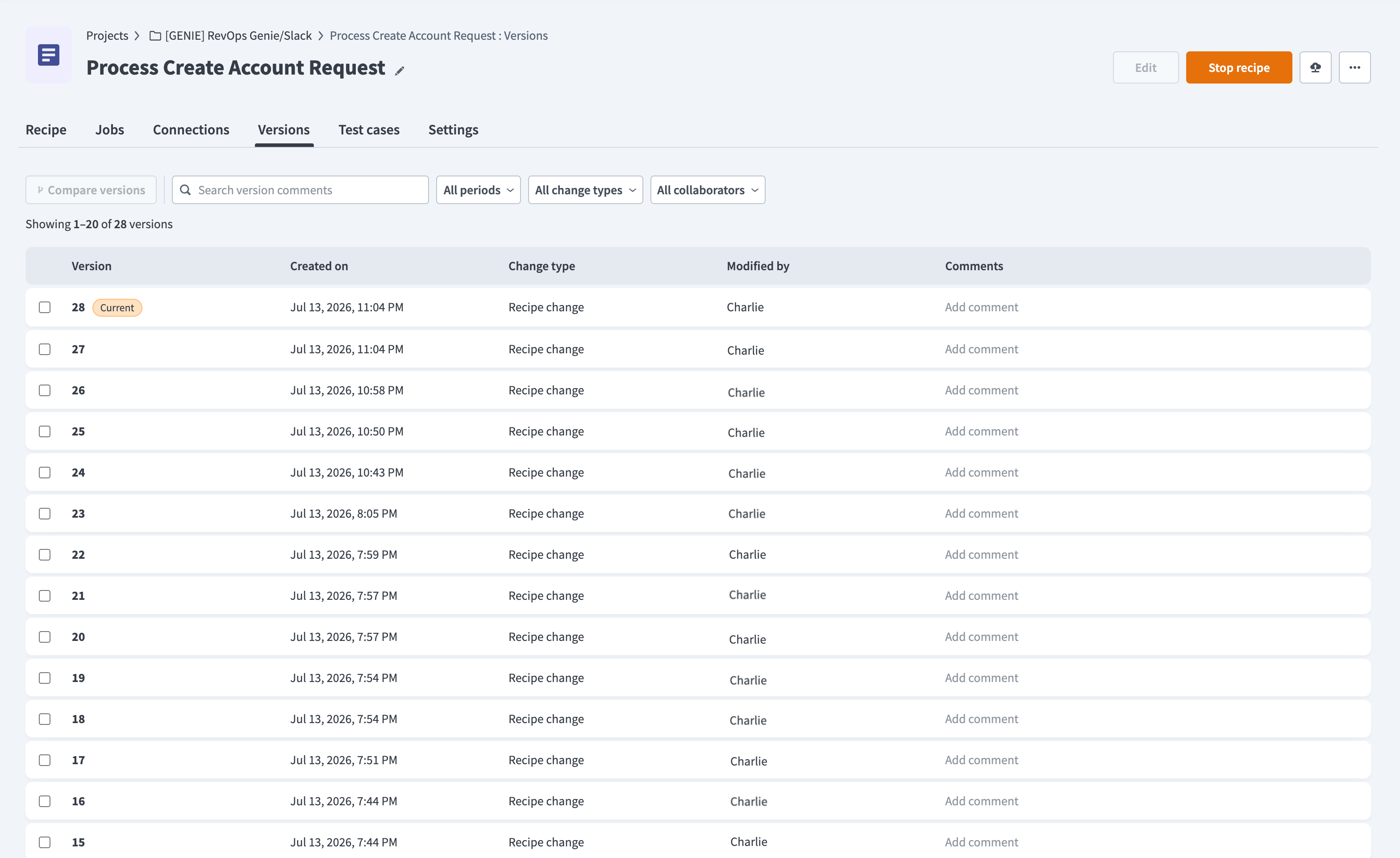 Recipe version history page
Refer to Recipe version management for more information.
Last updated: